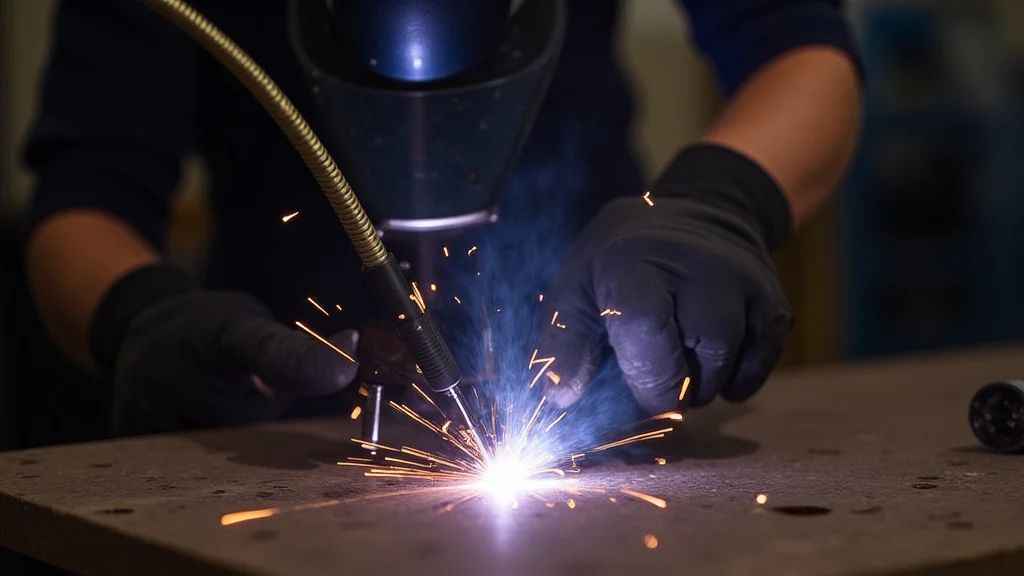
Having trouble with your MIG welder’s wire feed? It’s a common hiccup, especially when you’re just starting out. The wire might not feed smoothly, or it might feed too fast or too slow.
This can make your welding messy and frustrating. But don’t worry! We’ll help you figure out why you’re facing a MIG Welder Wire Feed Speed Problem?
Troubleshoot. We’ll walk through it step-by-step with simple fixes. Get ready to learn the easy way to get your wire feeding just right so you can make great welds.
Key Takeaways
- You will learn the main reasons why MIG welder wire feed problems happen.
- You will find out how to check and fix common issues with your wire feeder.
- You will discover tips to keep your wire feeder working well over time.
- You will gain confidence in solving MIG welding wire feed issues on your own.
- You will understand how different parts of the welder affect wire feeding.
Why MIG Welder Wire Feed Speed Problems Happen
MIG welding, or Gas Metal Arc Welding (GMAW), relies on a steady stream of wire to create a strong weld. The wire feeds from a spool, through a liner, into the welding gun, and out to the weld pool. When this process doesn’t happen smoothly, you get problems.
These can range from the wire not feeding at all to it spitting out erratically.
For beginners, the MIG welder wire feed speed problem? Troubleshoot is a frequent challenge because there are several moving parts and settings involved. It’s not just one thing that can go wrong.
It’s often a combination of small issues that add up. Understanding these issues helps you fix them quickly.
Common Causes of Wire Feed Problems
Let’s break down the most common reasons your MIG welder’s wire feed might be acting up.
1. Dirty or Incorrect Drive Rollers
The drive rollers grip the welding wire and push it through the liner. If they are dirty, they can slip, preventing the wire from feeding properly. If the wire size doesn’t match the groove in the roller, it can also cause feeding issues.
Some rollers are designed for specific wire diameters.
What to look for:
- Dust, metal shavings, or old wire residue on the rollers.
- Rollers that are worn down or damaged.
- The groove in the roller not matching the wire you’re using.
2. Worn or Damaged Liner
The liner is a flexible tube inside the welding gun cable that guides the wire. Over time, it can get kinked, bent, or worn out. A damaged liner creates friction, making it hard for the wire to move freely.
What to look for:
- Visible kinks or bends in the welding gun cable.
- A liner that feels rough or snagged when you try to push wire through it.
- The liner extending too far past the contact tip, which can also cause resistance.
3. Incorrect Drive Roll Tension
The tension adjustment on the drive rollers is crucial. If it’s too loose, the rollers will slip and not feed the wire consistently. If it’s too tight, it can crush the wire, especially softer wires like aluminum, and also prevent smooth feeding.
What to look for:
- The wire slipping against the rollers.
- The wire being deformed or flattened after it passes through the rollers.
4. Poor Quality or Damaged Wire
Sometimes the wire itself is the problem. A spool of wire that has been stored poorly can become tangled, rusty, or have flat spots. This makes it difficult for the feed system to pull it smoothly.
What to look for:
- Tangled wire on the spool.
- Wire that is rusty or looks uneven in diameter.
- The spool not being seated correctly on the welder.
5. Blocked or Worn Contact Tip
The contact tip is the small part at the end of the welding gun that the wire passes through and also conducts electricity. If it’s clogged with spatter or worn out, it can create a bottleneck for the wire. This resistance will cause feeding issues.
What to look for:
- Spatter built up inside the tip.
- The hole in the tip being misshapen or enlarged.
- The tip not being screwed in properly.
6. Issues with the Drive Motor
The drive motor powers the rollers. If the motor is weak or faulty, it won’t be able to push the wire consistently. This is less common for beginners but can be a serious problem.
What to look for:
- The motor making strange noises or not running at all.
- Inconsistent wire speed that doesn’t change when you adjust the welder settings.
7. Problems with the Welder’s Internal Feed System
Other parts inside the welder, like the wire feed control board or connections, can also fail. These are more advanced issues that might require professional help.
Troubleshooting Steps: A Simple Guide
Let’s go through how to fix these common MIG welder wire feed speed problems.
Step 1: Check the Wire Spool and Tension
Start with the basics. Make sure the wire spool is seated correctly on the shaft and that the tension knob on the drive rollers is set appropriately. For most steel wire, you want enough tension to prevent slipping but not so much that it deforms the wire.
How to test tension:
- Set the tension so it’s fairly loose.
- Pull the trigger and see if the wire feeds.
- Gradually tighten the tension until the wire feeds smoothly.
- If you see the wire getting flattened or crushed, the tension is too high.
Step 2: Inspect and Clean Drive Rollers
Open up the wire feed compartment. Carefully remove the drive rollers. Use a wire brush or a clean cloth to remove any dirt, metal shavings, or residue from the rollers.
Make sure the groove size on the rollers matches the wire diameter you are using. If the rollers are worn, they might need to be replaced.
Step 3: Examine the Welding Gun Liner
Carefully pull the wire out of the welding gun cable. You can often do this by hand or by gently pulling it from the drive roller side. If you suspect the liner is kinked, you might need to replace the entire welding gun cable.
Some liners can be replaced separately.
Tip: To check for obstructions without fully removing the liner, try feeding a clean piece of wire through it manually.
Step 4: Clean or Replace the Contact Tip
Unscrew the contact tip from the welding gun. Use a tip cleaner tool or a small drill bit (the same size as the wire diameter) to clean out any spatter or debris inside. If the tip is worn or the hole is misshapen,
Step 5: Check the Wire Condition
Unspool a few feet of wire from the spool. Look for any signs of rust, tangles, or flattening. If the wire is in poor condition, it’s best to replace the entire spool.
Step 6: Test the Wire Feed
After making adjustments, reassemble everything. Load the correct wire. Set your welder to a low voltage and wire speed.
Pull the trigger to see if the wire feeds smoothly. Gradually increase the settings to test different speeds.
Advanced Troubleshooting
If the simple steps don’t solve your MIG welder wire feed speed problem, here are a few more things to consider.
Torch Connections
Ensure the welding gun is securely connected to the welder. A loose connection can cause intermittent power and affect wire feed.
Gas Flow
While not directly a wire feed issue, insufficient gas flow can cause poor welds that might be mistaken for wire feed problems. Make sure your gas cylinder has pressure and the regulator is set correctly.
Voltage and Wire Speed Settings
It’s important to match your voltage and wire speed settings to the type and thickness of metal you are welding. Incorrect settings can lead to arc instability, which might seem like a wire feed issue. Consult your welder’s manual for recommended settings.
| Problem | Likely Cause | Solution |
|---|---|---|
| Wire not feeding at all | Drive rollers slipping, tension too loose, motor issue, liner blockage | Tighten tension, check rollers, inspect liner, check motor |
| Wire feeding erratically (spitting) | Dirty rollers, kinked liner, poor wire quality, incorrect tension | Clean rollers, check liner, use new wire, adjust tension |
| Wire feeding too slow | Liner blockage, worn contact tip, low roller tension | Clean/replace liner, clean/replace tip, increase tension |
| Wire feeding too fast | Tension too loose, faulty speed control | Increase tension, check welder settings, service motor if needed |
| Wire crushing or deforming | Tension too tight | Loosen tension |
Maintenance for a Smooth Wire Feed
Preventing problems is often easier than fixing them. Here are some tips to keep your MIG welder’s wire feed working well:
- Regular Cleaning: Clean your drive rollers and contact tip after every few uses.
- Proper Storage: Store your welder and wire spool in a dry place to prevent rust.
- Inspect Cables: Periodically check your welding gun cable for kinks or damage.
- Use Quality Consumables: Invest in good quality welding wire and contact tips.
- Correct Settings: Always use the appropriate settings for your wire size and material thickness.
Frequently Asked Questions
Question: How do I know if my drive rollers are the right size for my wire?
Answer: Drive rollers usually have a groove size marked on them, like .030, .035, or .045. Make sure the groove size matches the diameter of the welding wire you are using. You can also check your welder’s manual.
Question: Can a bad ground clamp cause wire feed problems?
Answer: A bad ground clamp usually affects the arc and welding quality, not the wire feed mechanism itself. However, some welders might have safety interlocks tied to ground detection, so a poor ground could indirectly cause issues.
Question: What is “bird nesting” in MIG welding?
Answer: Bird nesting is when the wire feeds out of the gun, but instead of going through the contact tip, it gets tangled and forms a messy bird’s nest shape around the tip. This is usually caused by low tension or a kinked liner.
Question: How often should I replace my MIG gun liner?
Answer: There’s no set schedule, but you should replace the liner when you notice consistent feeding problems that cleaning doesn’t fix, or if the cable feels stiff or kinked. Regular inspection is key.
Question: My wire feed is inconsistent. What could be wrong?
Answer: Inconsistent wire feed can be caused by several things: dirty drive rollers, a slightly kinked liner, a worn contact tip, or the wire spool not unspooling smoothly. Check each of these areas.
Final Thoughts
Getting your MIG welder’s wire feed right is key to good welds. You’ve learned the most common reasons for problems and how to fix them. Always start with checking your drive rollers, tension, and contact tip.
Keep your equipment clean and well-maintained, and you’ll have fewer issues. Don’t be afraid to adjust settings and inspect your gear. You’ve got this!